Tween
Tween (short for "in-between") refers to a technique used to create smooth transitions between values over time. It involves calculating intermediate values between a start and end point to animate properties such as position, size, color, or other attributes of objects.
Basically, tween is a way to change one or many number values over a specific duration of time.
Create a Tween
First, we will need an object to use our tween.
// represents all game objects in the game
class GameObject {
    constructor(x, y) {
        this.x = x;
        this.y = y;
        this.color = "black";
    }
}

class Circle extends GameObject {
    constructor() {
        super();
        this.radius = 100;
    }

    render(ctx) {
        ctx.fillStyle = this.color;
        ctx.beginPath();
        ctx.arc(this.x, this.y, this.radius, 0, 2 * Math.PI);
        ctx.stroke();
    }
}
Let's create a Tween class that receive a source value and interpolate it to a target value over a duration of time.
class Tween {
    constructor(source, target, duration) {
        this.source = source;
        this.target = target;
        this.duration = duration;
        this.elapsed = 0;
    }

    update(deltaTime) {
        this.elapsed += deltaTime;

        // clamp the elapsed time to the duration
        if (this.elapsed >= this.duration) {
            this.elapsed = this.duration;
        }

        // linear interpolation
        return this.source + (this.target - this.source) * (this.elapsed / this.duration);
    }
}
Now, we can use the Tween class to animate the circle position.
// create the circle
const circle = new Circle();
circle.x = 100;
circle.y = 100;
circle.color = "#ff8080";

const tween = new Tween(circle.x, 500, 3); // move the circle to x = 500 in 3 seconds

function update(dt) {
    circle.x = tween.update(dt); // update the tween
}

function render() {
    ctx.clearRect(0, 0, canvas.width, canvas.height); // clear the canvas
    circle.render(ctx); // render the circle
}
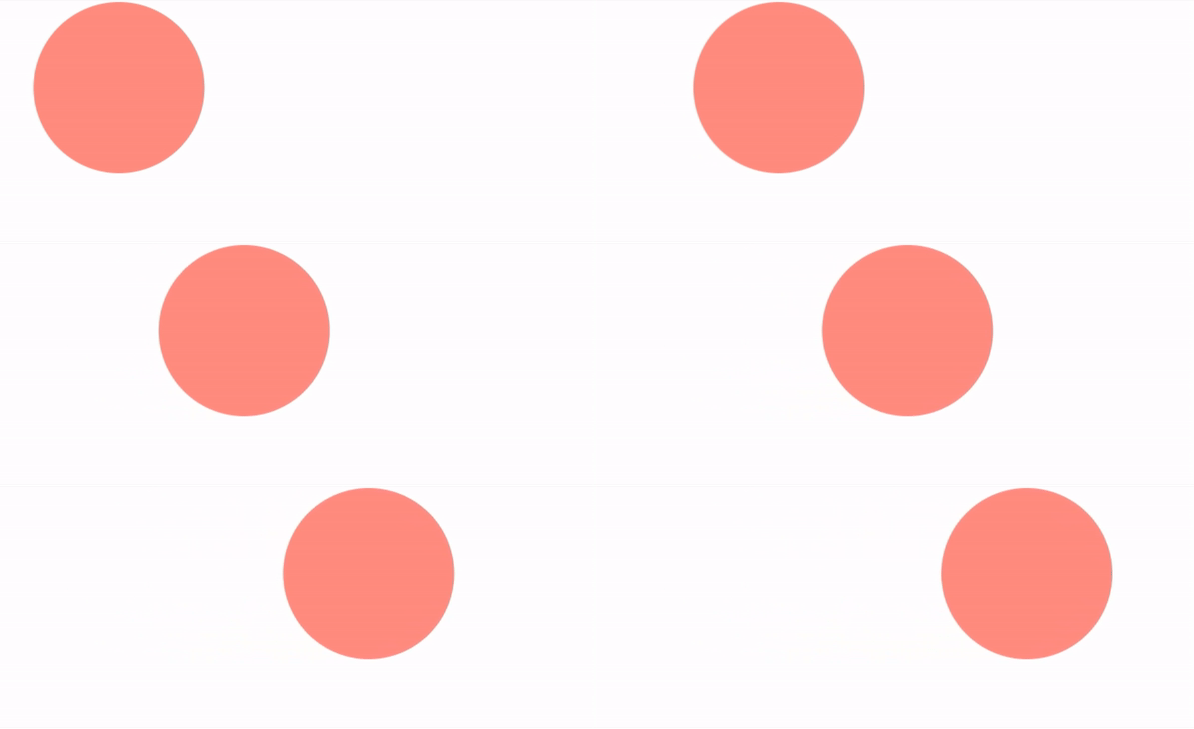
This is the basic idea of a tween. We interpolate the x value of the circle from 100 to 500 in 3 seconds. The update function will return the interpolated value, and we assign it to the x property of the circle.
Let's translate y as well
const tweenX = new Tween(circle.x, 500, 3); // move the circle to x = 500 in 3 seconds
const tweenY = new Tween(circle.y, 300, 3); // move the circle to y = 300 in 3 seconds

function update(dt) {
    circle.x = tweenX.update(dt);
    circle.y = tweenY.update(dt);
}

Now we have a problem. Anytime we want to animate a new property, we have to create a new Tween object, update it and assign the value to the object property. This can be cumbersome if we have many properties to animate.
To solve this, we can make our Tween class receive an object as the source and another object as the target. And then update the corresponding properties.
class Tween {
    constructor(source, target, duration) {
        if (typeof source !== "object" || typeof target !== "object") {
            throw new Error("source and target must be objects");
        }

        ...
        // get the keys that need to be tweened
        this.keys = Object.keys(this.target);

        // store the start values
        this.start = {};
        for (let key of this.keys) {
            this.start[key] = this.source[key];
        }
    }

    update(deltaTime) {
        ...
        // linear interpolation for all keys
        for (let key of this.keys) {
            if (!this.source.hasOwnProperty(key)) {
                continue;
            }
            this.source[key] = this.start[key] + (this.target[key] - this.start[key]) * (this.elapsed / this.duration);
        }
    }
}
// move the circle to x = 500 and y = 300 in 3 seconds
const tween = new Tween(circle, { x: 500, y: 300 }, 3);
function update(dt) {
    tween.update(dt);
}
Because we are updating the object properties directly, we need a start object to store the initial values for interpolation.
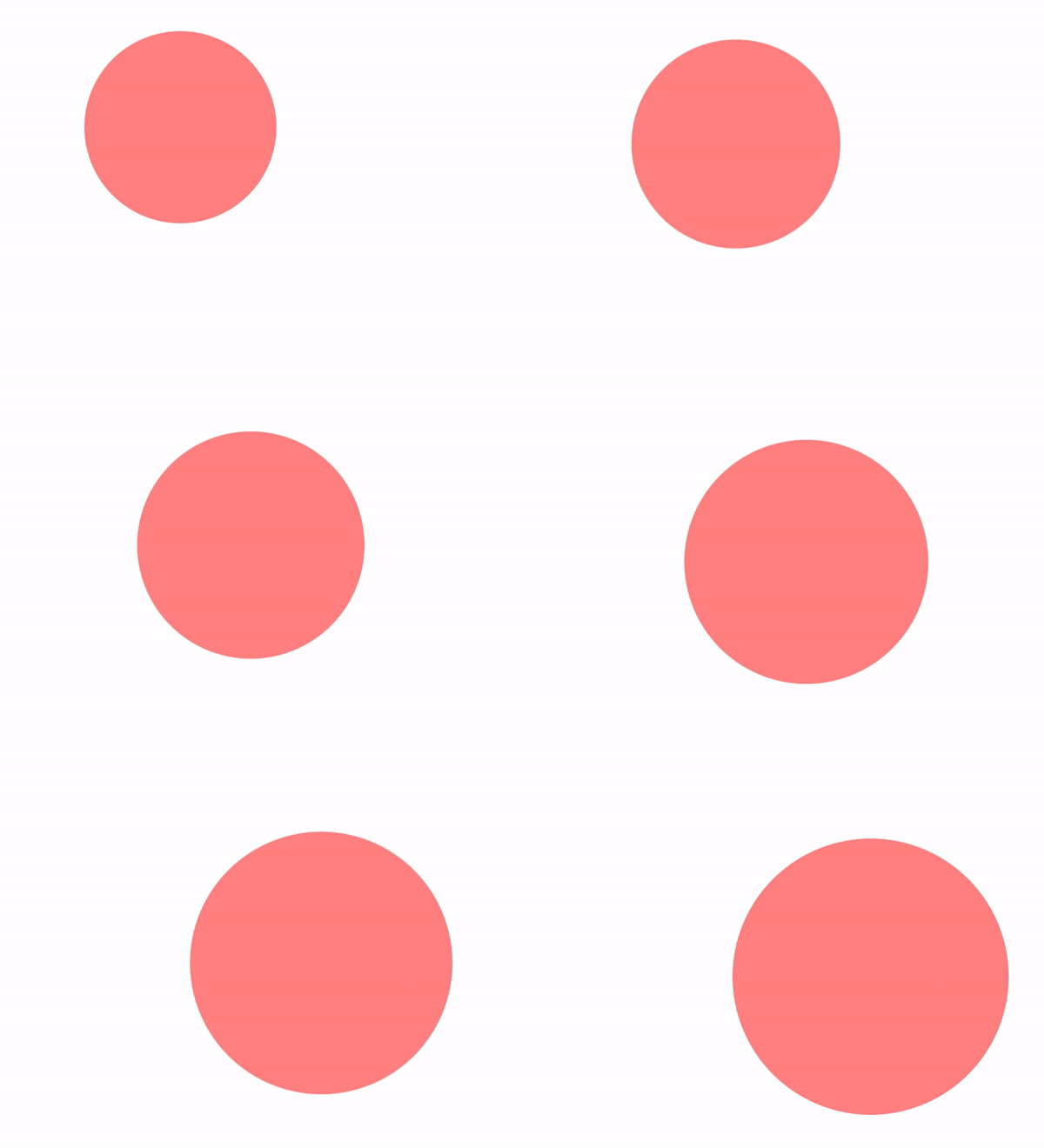
Now we have a same animation for both x and y properties without creating a new Tween for each one. Let's try to animate the radius as well.
const tween = new Tween(circle, { x: 500, y: 300, radius: 200 }, 3);
Easing
The Tween class we created uses a linear interpolation to animate the properties. This means the object will move at a constant speed from the start to the end. But in most cases, objects don’t just start and stop instantly, and almost never move at a constant speed. When we open a drawer, we first move it quickly, and slow it down as it comes out. Drop something on the floor, and it will first accelerate downwards, and then bounce back up after hitting the floor.
Easing functions are mathematical functions that specify the rate of change of a parameter over time. They can be used to create effects like acceleration, deceleration, or bouncing.
class Tween {
    easeInSine(progress) {
        return 1 - Math.cos((progress * Math.PI) / 2);
    }
}
Our Sine In easing function will receive a progress value between 0 and 1 and return a new value between 0 and 1. This value will be used to interpolate the properties.
this.source[key] = this.start[key] + (this.target[key] - this.start[key]) * this.easeInSine(this.elapsed / this.duration);
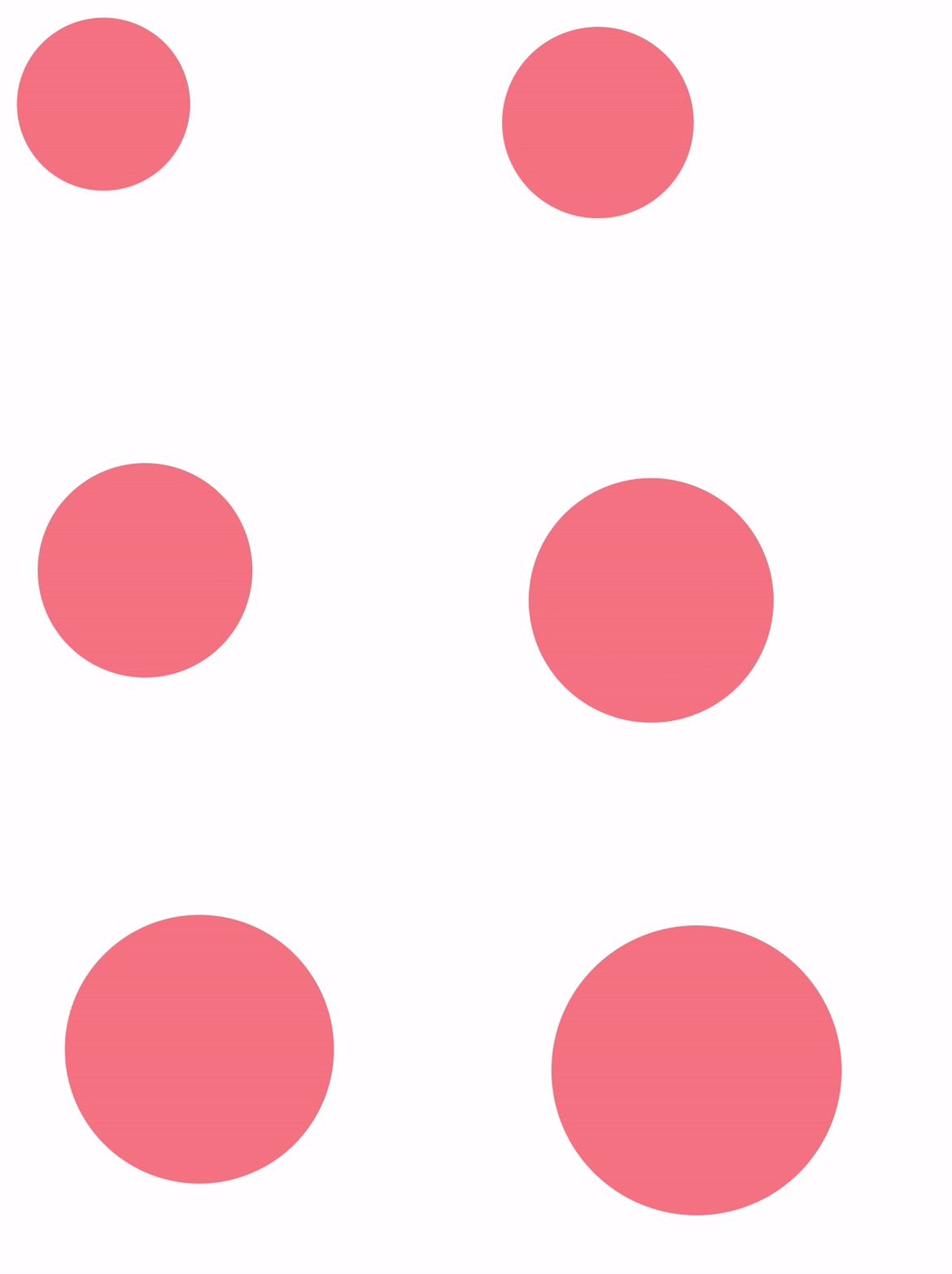
Our Circle object will move faster at the beginning and slow down as it reaches the target position. This is the Sine In easing function. There are many more, easings.net is a great resource to visualize and test different easing functions. Let's add them to our Tween class as static functions to make them accessible from anywhere.
class Tween {
    static easeLinear(x) {
        return x;
    }

    static easeInSine(x) {
        return 1 - Math.cos((x * Math.PI) / 2);
    }

    static easeOutSine(x) {
        return Math.sin((x * Math.PI) / 2);
    }

    static easeInOutSine(x) {
        return -(Math.cos(Math.PI * x) - 1) / 2;
    }

    static easeInQuad(x) {
        return x * x;
    }

    static easeOutQuad(x) {
        return 1 - (1 - x) * (1 - x);
    }

    static easeInOutQuad(x) {
        return x < 0.5 ? 2 * x * x : 1 - Math.pow(-2 * x + 2, 2) / 2;
    }

    static easeInCubic(x) {
        return x * x * x;
    }

    static easeOutCubic(x) {
        return 1 - Math.pow(1 - x, 3);
    }

    static easeInOutCubic(x) {
        return x < 0.5 ? 4 * x * x * x : 1 - Math.pow(-2 * x + 2, 3) / 2;
    }

    static easeInQuart(x) {
        return x * x * x * x;
    }

    static easeOutQuart(x) {
        return 1 - Math.pow(1 - x, 4);
    }

    static easeInOutQuart(x) {
        return x < 0.5 ? 8 * x * x * x * x : 1 - Math.pow(-2 * x + 2, 4) / 2;
    }

    static easeInQuint(x) {
        return x * x * x * x * x;
    }

    static easeOutQuint(x) {
        return 1 - Math.pow(1 - x, 5);
    }

    static easeInOutQuint(x) {
        return x < 0.5 ? 16 * x * x * x * x * x : 1 - Math.pow(-2 * x + 2, 5) / 2;
    }

    static easeInExpo(x) {
        return x === 0 ? 0 : Math.pow(2, 10 * x - 10);
    }

    static easeOutExpo(x) {
        return x === 1 ? 1 : 1 - Math.pow(2, -10 * x);
    }

    static easeInOutExpo(x) {
        return x === 0
            ? 0
            : x === 1
                ? 1
                : x < 0.5
                    ? Math.pow(2, 20 * x - 10) / 2
                    : (2 - Math.pow(2, -20 * x + 10)) / 2;
    }

    static easeInCirc(x) {
        return 1 - Math.sqrt(1 - Math.pow(x, 2));
    }

    static easeOutCirc(x) {
        return Math.sqrt(1 - Math.pow(x - 1, 2));
    }

    static easeInOutCirc(x) {
        return x < 0.5
            ? (1 - Math.sqrt(1 - Math.pow(2 * x, 2))) / 2
            : (Math.sqrt(1 - Math.pow(-2 * x + 2, 2)) + 1) / 2;
    }

    static easeInBack(x) {
        const c1 = 1.70158;
        const c3 = c1 + 1;
        return c3 * x * x * x - c1 * x * x;
    }

    static easeOutBack(x) {
        const c1 = 1.70158;
        const c3 = c1 + 1;
        return 1 + c3 * Math.pow(x - 1, 3) + c1 * Math.pow(x - 1, 2);
    }

    static easeInOutBack(x) {
        const c1 = 1.70158;
        const c2 = c1 * 1.525;
        return x < 0.5
            ? (Math.pow(2 * x, 2) * ((c2 + 1) * 2 * x - c2)) / 2
            : (Math.pow(2 * x - 2, 2) * ((c2 + 1) * (x * 2 - 2) + c2) + 2) / 2;
    }

    static easeInElastic(x) {
        const c4 = (2 * Math.PI) / 3;
        return x === 0
            ? 0
            : x === 1
                ? 1
                : -Math.pow(2, 10 * x - 10) * Math.sin((x * 10 - 10.75) * c4);
    }

    static easeOutElastic(x) {
        const c4 = (2 * Math.PI) / 3;
        return x === 0
            ? 0
            : x === 1
                ? 1
                : Math.pow(2, -10 * x) * Math.sin((x * 10 - 0.75) * c4) + 1;
    }

    static easeInOutElastic(x) {
        const c5 = (2 * Math.PI) / 4.5;
        return x === 0
            ? 0
            : x === 1
                ? 1
                : x < 0.5
                    ? -(Math.pow(2, 20 * x - 10) * Math.sin((20 * x - 11.125) * c5)) / 2
                    : (Math.pow(2, -20 * x + 10) * Math.sin((20 * x - 11.125) * c5)) / 2 + 1;
    }

    static easeInBounce(x) {
        return 1 - Tween.easeOutBounce(1 - x);
    }

    static easeOutBounce(x) {
        const n1 = 7.5625;
        const d1 = 2.75;
        if (x < 1 / d1) {
            return n1 * x * x;
        } else if (x < 2 / d1) {
            return n1 * (x -= 1.5 / d1) * x + 0.75;
        } else if (x < 2.5 / d1) {
            return n1 * (x -= 2.25 / d1) * x + 0.9375;
        } else {
            return n1 * (x -= 2.625 / d1) * x + 0.984375;
        }
    }

    static easeInOutBounce(x) {
        return x < 0.5
            ? (1 - Tween.easeOutBounce(1 - 2 * x)) / 2
            : (1 + Tween.easeOutBounce(2 * x - 1)) / 2;
    }
}
Now we change our Tween class to receive an easing function.
class Tween {
    constructor(source, target, duration, easing = Tween.easeLinear) {
        ...
        this.easing = easing;
    }

    update(deltaTime) {
        ...
        for (let key of this.keys) {
            if (!this.source.hasOwnProperty(key)) {
                continue;
            }
            this.source[key] = this.start[key] + (this.target[key] - this.start[key]) * this.easing(this.elapsed / this.duration);
        }
    }
}
const tween = new Tween(circle, { x: 300, y: 300, radius: 200 }, 2, Tween.easeInOutBounce);
More configurations
Our Tween class is animating the properties of an object from a start value to an end value over a duration of time with an easing function. We can add more configurations to it, like delay, repeat, yoyo.
First, we need to change the Tween class to receive a config object to store all these configurations instead of passing them as arguments to make the constructor more readable.
class Tween {
    constructor(source, target, config = {}) {
        ...
        this.duration = config.duration || 1;
        this.easing = config.easing || Tween.easeLinear;
        ...
    }
}
Now we can add the delay configuration.
    this.delay = config.delay || 0;
    this.elapsed = -this.delay;

    update(deltaTime) {
        this.elapsed += deltaTime;

        if (this.elapsed < 0) {
            return;
        }

        ...
    }
    const tween = new Tween(circle,
    {
        x: 300,
        y: 300,
        radius: 200
    },
    {
        delay: 2,
        duration: 2,
        easing: Tween.easeInOutBounce
    });
Let add repeat to make the tween repeat a number of times and yoyo to make it go back and forth.
    this.repeat = config.repeat || 0;
    this.yoyo = config.yoyo || false;
    this.repeatCount = 0;

    update(deltaTime) {
        this.elapsed += deltaTime;

        if (this.elapsed >= this.duration) {
            // tween finished or repeated
            if (this.repeatCount < this.repeat) {
                this.onRepeat();
                this.elapsed = -this.delay; // reset the elapsed time
                this.repeatCount++;
            }
            else {
                this.elapsed = this.duration;
            }
        }

        if (this.elapsed < 0) {
            return;
        }

        ...
    }

    onRepeat() {
        if (this.yoyo) {
            // swap start and target to create a yoyo effect
            for (let key of this.keys) {
                let temp = this.start[key];
                this.start[key] = this.target[key];
                this.target[key] = temp;
            }
        }
        else {
            // reset the properties
            for (let key of this.keys) {
                this.source[key] = this.start[key];
            }
        }
    }
    const tween = new Tween(circle,
    {
        x: 300,
        y: 300,
        radius: 200
    },
    {
        delay: 1,
        duration: 2,
        easing: Tween.easeInOutBounce,
        repeat: 2,
        yoyo: true
    });
We can set the repeat to Infinity to make the tween loop forever.
Tween Manager
Let's create another object with another Tween.
const circle1 = new Circle();
circle1.x = 100;
circle1.y = 100;
circle1.color = "#ff8080";

const circle2 = new Circle();
circle2.x = 400;
circle2.y = 300;
circle2.color = "#0099b0";

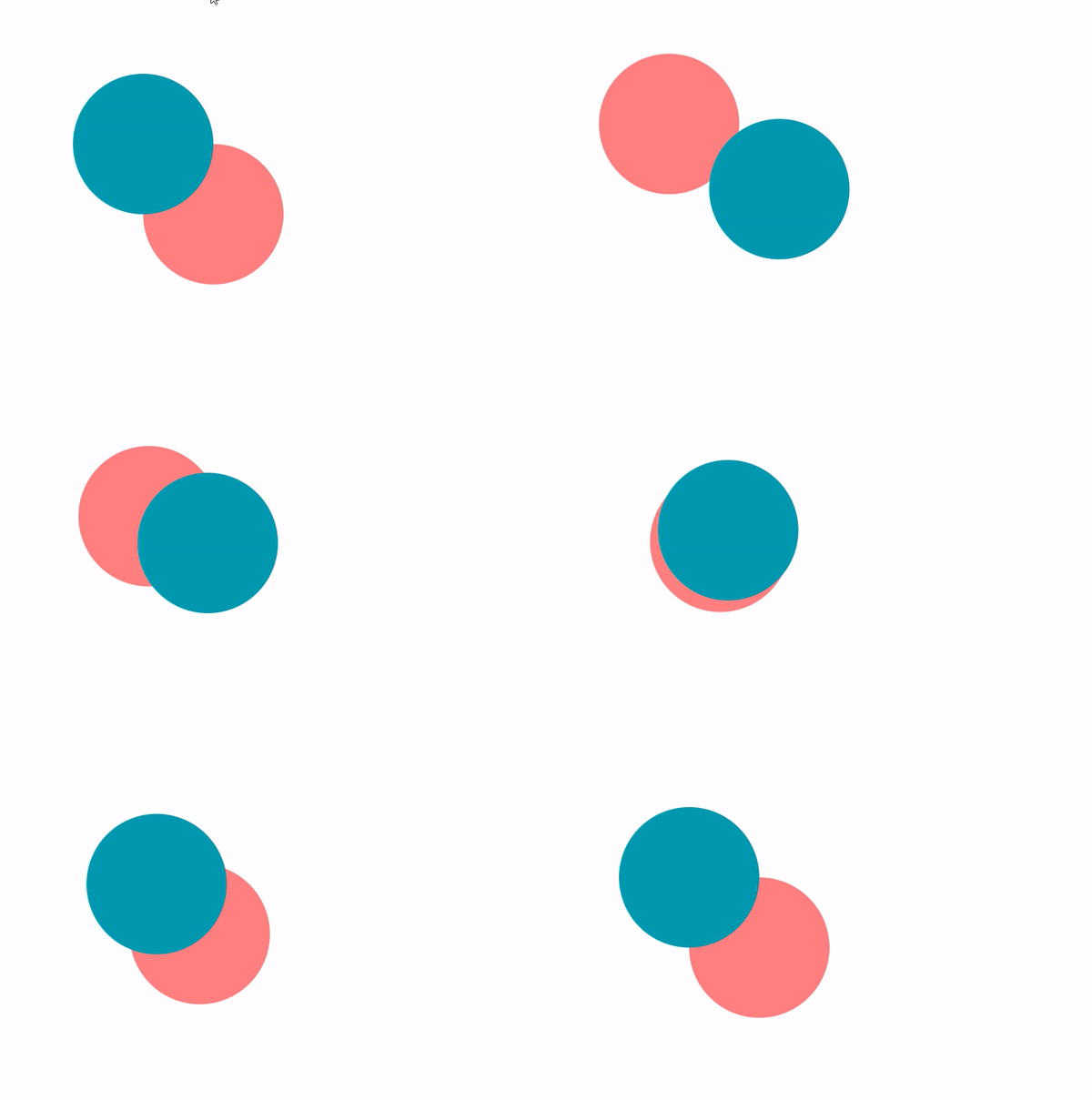
const tweenCircle1 = new Tween(circle1, { x: 300, y: 300 }, { duration: 2 });
const tweenCircle2 = new Tween(circle2, { x: 200, y: 200 }, { duration: 2 });

function update(dt) {
    tweenCircle1.update(dt);
    tweenCircle2.update(dt);
}
Now image you have hundreds of objects and you want to animate them. You will have to create a Tween for each object and update them in the update loop. This can be cumbersome and error-prone.
To solve this, we can create a TweenManager class that will handle all the tweens for us. It will be a static class and can be accessed from anywhere in the game.
class TweenManager {
    static tweens = [];

    static create(source, target, config) {
        const tween = new Tween(source, target, config);
        this.tweens.push(tween);
        return tween;
    }

    static update(dt) {
        for (let tween of this.tweens) {
            tween.update(dt);
        }
    }
}
TweenManager.create(circle1, { x: 300, y: 300 }, { duration: 2 });
TweenManager.create(circle2, { x: 200, y: 200 }, { duration: 2 });

function update(dt) {
    TweenManager.update(dt);
}
Events
We can add events to our Tween class to notify when the tween starts, ends, repeats, etc. These events can be used to trigger other actions in the game, or to chain tweens together.
First, let's make our Tween only update when it is active.
class Tween {
    constructor(source, target, config) {
    ...
        this.active = false;
    }
}
class TweenManager {
    static update(dt) {
        for (let tween of this.tweens) {
            if (tween.active) {
                tween.update(dt);
            }
        }
    }
}
Then add a play function to activate the Tween and call the onStart event.
class Tween {
    constructor(source, target, config) {
        ...
        this.onStartCallback = config.onStart || null;
        ...
    }

    start() {
        this.active = true;
        this.onStartCallback?.();
    }
}
    const tweenCircle2 = TweenManager.create(circle2, {x: 200, y: 200}, {duration: 2});
    const tweenCircle1 = TweenManager.create(circle1,
        {
            x: 300,
            y: 300
        },
        {
            duration: 2,
            onStart: () => {
                tweenCircle2.play();
            }
        });
    tweenCircle1.play();
Now the tweenCircle2 will start when the tweenCircle1 starts. It has the same animation as before but that's the idea.
Let's add the complete event.
class Tween {
    constructor(source, target, config) {
        ...
        this.onCompleteCallback = config.onComplete || null;
        ...
    }

    onComplete() {
        this.active = false;
        this.onCompleteCallback?.();
    }
}
    const tweenCircle2 = TweenManager.create(circle2, {x: 200, y: 200}, { duration: 2 });
    const tweenCircle1 = TweenManager.create(circle1,
        {
            x: 300,
            y: 300
        },
        {
            duration: 2,
            onComplete: () => {
                tweenCircle2.play();
                TweenManager.create(circle1, { x: 350, y: 100 }, { duration: 2 }).play();
            }
        });
    tweenCircle1.play();
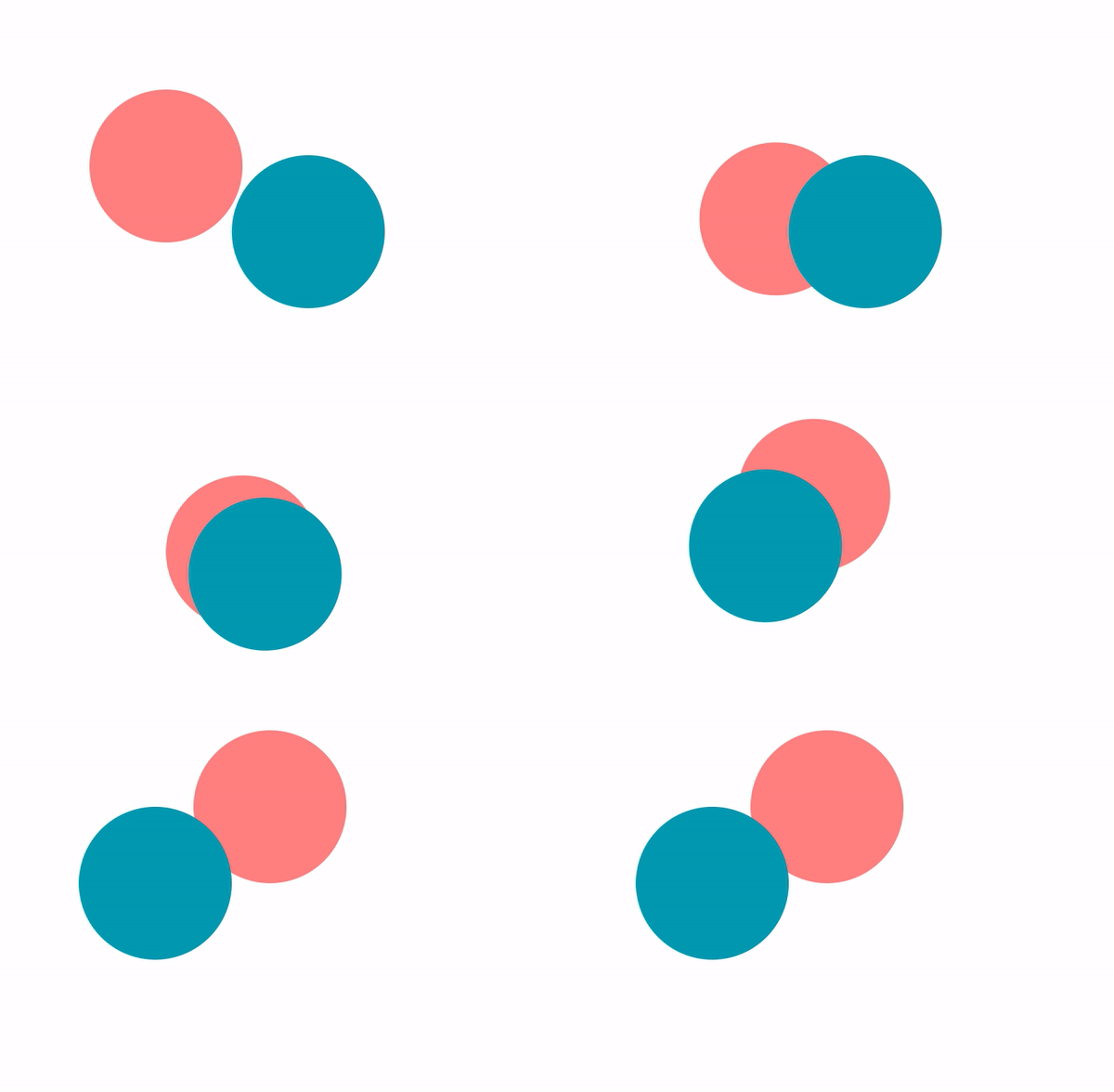
Now the tweenCircle2 will start and another tween created to move circle1 when the tweenCircle1 ends. This is called chained tween. Many animations will require a sequence of tweens to be played one after the other. Call the play function of the next tween in the onComplete event for a numberous of tweens is not a good idea. We should create a TweenSequence class that managed by TweenManager or just a chain function for Tween class. But that is another story, you can implement it yourself.
Let's add the update and repeat.
class Tween {
    constructor(source, target, config) {
        ...
        this.onUpdateCallback = config.onUpdate;
        this.onRepeatCallback = config.onRepeat;
    }

    update(deltaTime) {
        ...
        this.onUpdateCallback?.();
    }

    onRepeat() {
        ...
        this.onRepeatCallback?.();
    }
}
Tween class is now complete. You can implement more configurations, events and functions to make it more powerful and flexible.
The animations in this article are simple and boring. Try make something more interesting and creative.
const circle = new Circle();
    circle.x = 100;
    circle.y = 100;
    circle.radius = 20;
    circle.color = "#ff8080";

    TweenManager.create(circle, {x: 700}, {
        duration: 1,
        repeat: Infinity,
        yoyo: true,
        easing: Tween.easeInOutCubic
    }).play();

    TweenManager.create(circle, {y: 500}, {
        duration: 5,
        repeat: Infinity,
        yoyo: true,
        easing: Tween.easeInOutBounce
    }).play();

    TweenManager.create(circle, {radius: 50}, {
        duration: 0.25,
        repeat: Infinity,
        yoyo: true,
        easing: Tween.easeInOutCubic
    }).play();